Computer engineering experience
Diagnosis is based on system behavior and evidence—not a parts-swapping script.
Tampa · Desktop & laptop specialists
No power, no display, restarts, overheating, low FPS, blue screens or a difficult upgrade—we test the complete system before recommending parts.
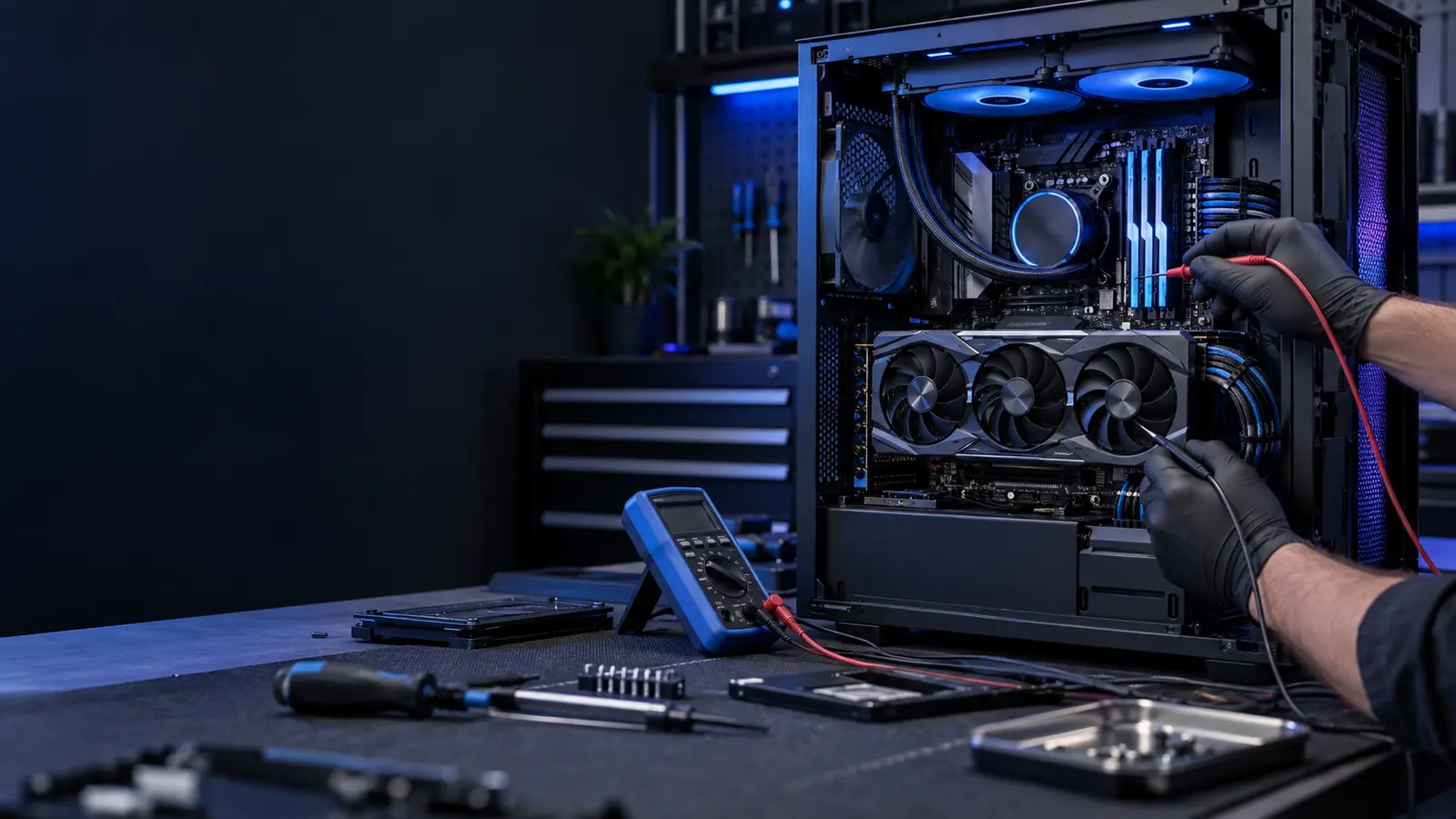
Start with the symptom
Similar symptoms can have very different causes. Choose the closest match to see what should be tested.
No lights, brief fan spin, clicking, or power cycling can point to the PSU, motherboard, cabling, front-panel switch, GPU or a short.
See diagnostic approach →Restarts under load can come from heat, unstable memory, PSU voltage drop, GPU faults, BIOS settings or Windows drivers.
See diagnostic approach →We inspect cooler mounting, pump operation, thermal compound, radiator and fan direction, dust restriction, case pressure and CPU/GPU temperatures under controlled load..
See diagnostic approach →Frame-time spikes are not always a weak GPU.
See diagnostic approach →For no display, artifacts, driver crashes and black screens, we verify power, PCIe contact, firmware, thermals, display outputs and behavior in a known-good test environment..
See diagnostic approach →POST codes, debug LEDs, bent pins, BIOS compatibility, socket condition, VRM behavior, memory training and expansion slots are checked systematically..
See diagnostic approach →We match wattage, transient load capability, connector requirements, efficiency and physical fit—never just the number printed on the label..
See diagnostic approach →We diagnose pump noise, rising coolant temperature, air pockets, clogged radiators, failing fans and poor cold-plate contact.
See diagnostic approach →How service works
We record the symptom, recent changes and hardware configuration.
Free initial diagnostics guide deeper power, thermal, memory, storage or software testing.
You receive findings and practical repair or upgrade choices before paid work.
We complete the approved work, stress-test relevant systems and document the result.
Upgrade with a reason
We check CPU/GPU balance, PSU capacity, case clearance, motherboard support, memory configuration, cooling and firmware before a part is ordered or installed.
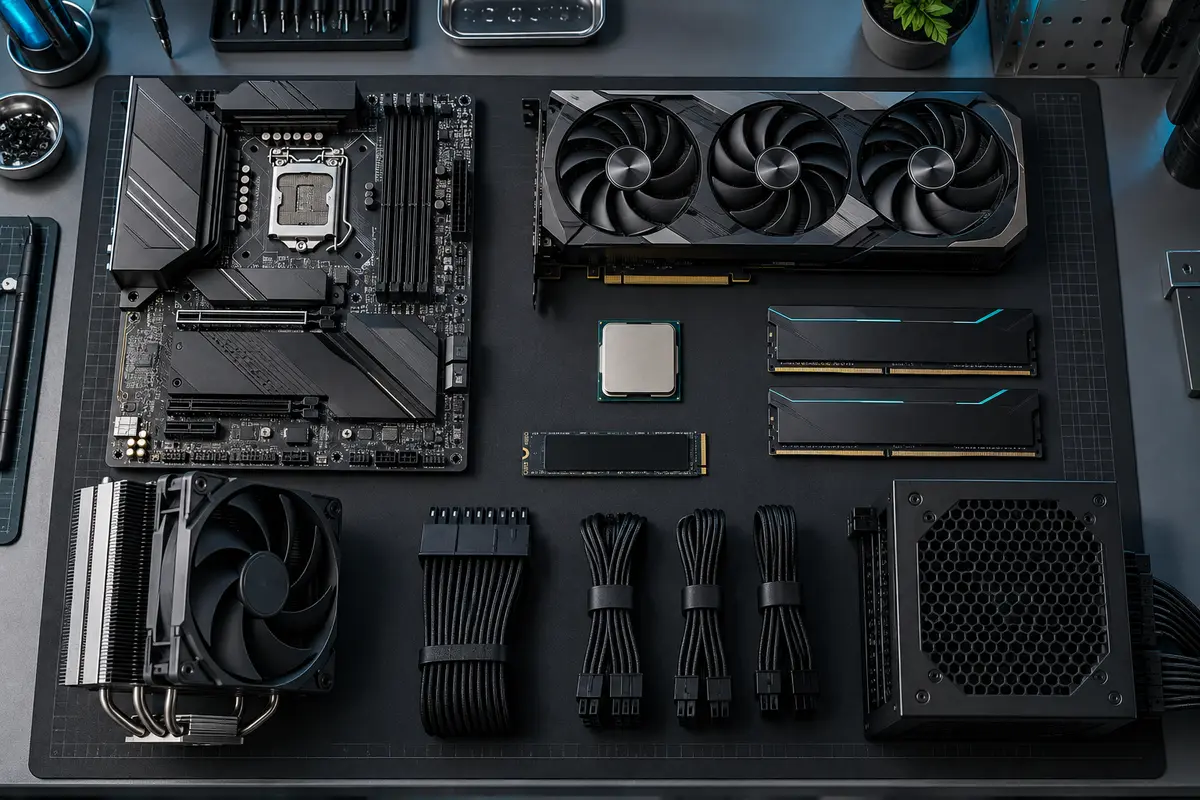
Component-aware service
Support is organized by component and failure mode—not by logo alone.
ASUS ROG / TUF / Prime, MSI MPG / MAG / MEG / Pro, Gigabyte AORUS / Gaming X, ASRock Taichi / Steel Legend / Phantom Gaming, EVGA, NZXT and OEM boards from Dell, HP, Lenovo and Acer. We work across Intel Z890, Z790, B860, B760 and AMD X870/X670/B850/B650-era platforms as well as older serviceable systems.
Brands & diagnostic scope →Intel Core, Core Ultra and enthusiast desktop platforms; AMD Ryzen, Ryzen X3D, Ryzen Threadripper and supported older AM4 systems. Apple silicon is outside this gaming-PC specialty site and is handled through Trueonefix’s general service.
Brands & diagnostic scope →NVIDIA GeForce RTX/GTX board partners including ASUS, MSI, Gigabyte, Zotac, PNY, EVGA, Palit, Gainward and GALAX; AMD Radeon partners including Sapphire, PowerColor, XFX, ASUS, MSI, Gigabyte and ASRock; Intel Arc cards from Intel and partner manufacturers.
Brands & diagnostic scope →Memory from Corsair, G.Skill, Kingston FURY, Crucial, TeamGroup T-Force, Patriot, ADATA XPG, PNY, Lexar, Silicon Power and OEM suppliers. SSD/NVMe support includes Samsung, WD/Western Digital, Crucial, Kingston, SK hynix, Solidigm, Seagate, Sabrent, Corsair, TeamGroup, ADATA, PNY, Lexar and Inland.
Brands & diagnostic scope →Power supplies from Corsair, Seasonic, EVGA, be quiet!, Super Flower, Thermaltake, Cooler Master, MSI, ASUS, SilverStone, NZXT, FSP and OEM builders. Cooling/case ecosystems include Noctua, Arctic, DeepCool, Corsair, NZXT, Lian Li, Phanteks, Fractal Design, Cooler Master, Thermaltake, be quiet!, HYTE, EK, Alphacool and others.
Brands & diagnostic scope →Thermals matter
We consider pump operation, cooler mounting, fan direction, radiator restriction, case pressure, hotspot behavior and sustained clocks together.
Explore overheating service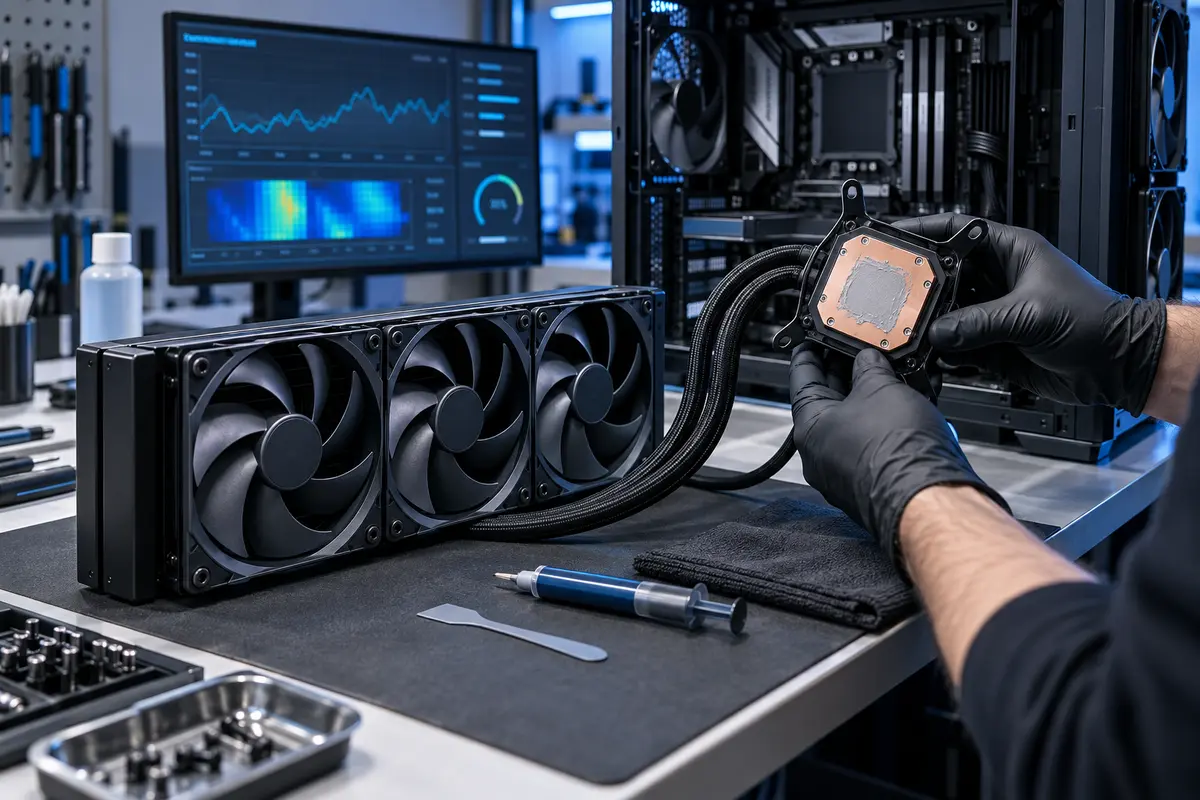
Real business facts
Diagnosis is based on system behavior and evidence—not a parts-swapping script.
We explain the likely cause and next step before paid repair begins.
New parts: 6 months. Labor: 3 months. Refurbished parts: 3 months.
Visit Trueonefix in Tampa
Walk-ins are welcome for free initial diagnostics. For desktop problems, bring the tower and power cable; include any error details or the game that triggers the issue.
Address104 E Fletcher Ave, Tampa, FL 33612
Phone(813) 438-2888
HoursMon–Fri 9:30 AM–7:00 PM · Sat 10:00 AM–5:30 PM · Sun closed
Common questions
For system-wide symptoms, yes. Bring the tower and power cable. For intermittent issues, include the exact steps, games or workloads that trigger the problem.
Yes. Bring your component list, invoices or BIOS changes if available. We also service prebuilt desktops and gaming laptops.
The initial diagnostic is free. If a fault requires extended labor, disassembly or specialized testing, we explain that scope before proceeding.
No responsible shop can guarantee a repair price from a symptom alone. The quote form helps us prepare; the confirmed recommendation follows inspection.
Your system deserves a measured diagnosis
Describe the hardware, symptoms and recent changes. We’ll use it to prepare the first diagnostic steps.