Technical guidance
Understand the symptom before buying a part
Practical articles based on repair logic, component behavior and safe troubleshooting.
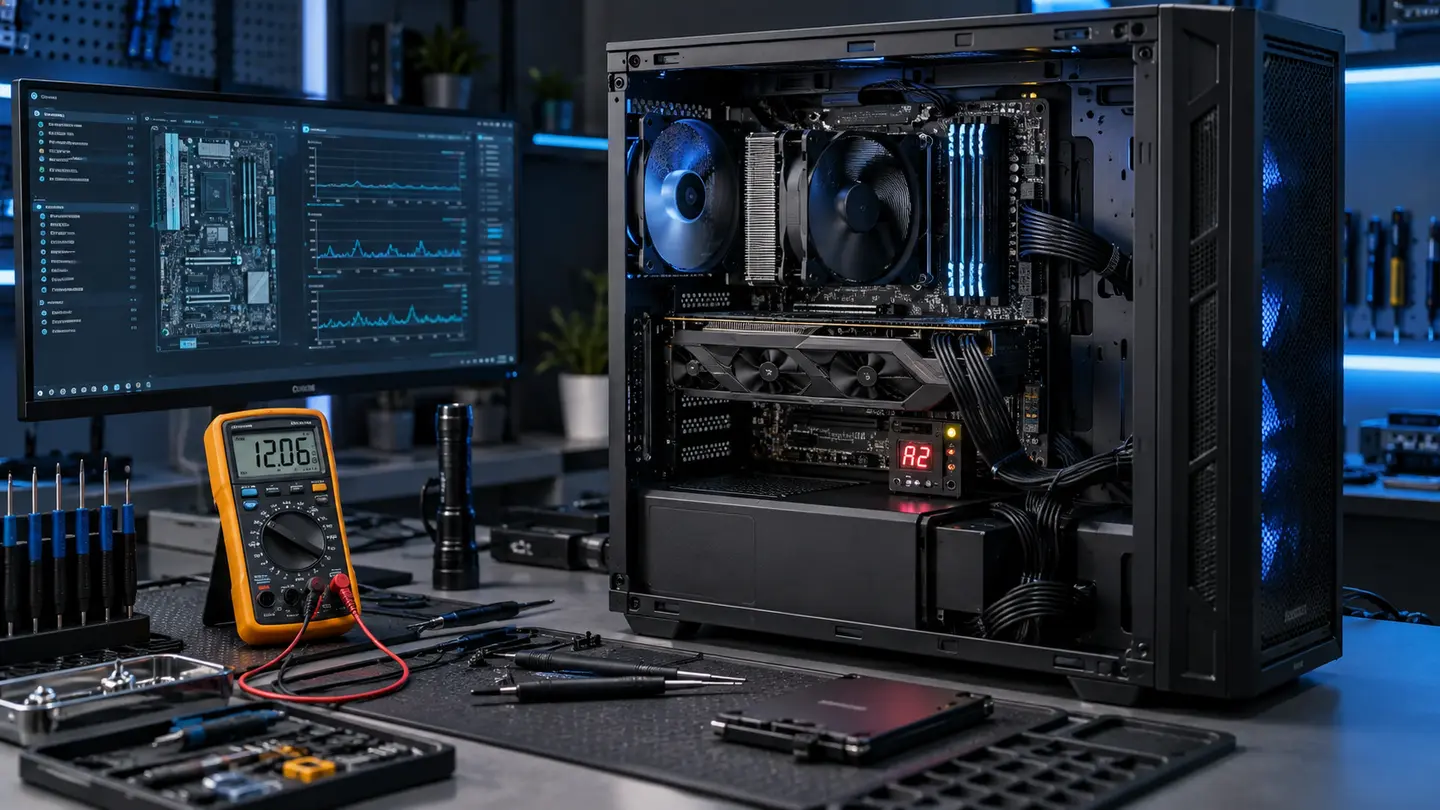
Why a Gaming PC Restarts During Games
A load-triggered restart can be power, heat, memory, GPU, firmware or software. Here is how a disciplined diagnosis separates them.
Read guide →Updated Sep 21, 2026Why a Gaming PC Enters BIOS After Restarting
A missing boot drive, unstable storage, changed boot mode or firmware reset may send a system directly to BIOS.
Read guide →Updated Sep 21, 2026Normal CPU and GPU Temperatures While Gaming
Temperature limits vary by component and workload. Learn what sustained heat, hotspot delta and throttling actually mean.
Read guide →Updated Sep 21, 2026How to Diagnose Low FPS and Stuttering
Average FPS alone hides frame-time spikes. Check thermals, clocks, memory, storage, drivers and CPU/GPU balance.
Read guide →Updated Sep 21, 2026Signs of a Failing Gaming PC Power Supply
Random shutdowns, load failures and electrical noise deserve careful testing—never open a PSU enclosure yourself.
Read guide →Updated Sep 21, 2026Air Cooling vs AIO Liquid Cooling
Compare performance, noise, clearance, maintenance, pump life and failure modes before choosing a cooler.
Read guide →Updated Sep 21, 2026When to Upgrade GPU, CPU, RAM or SSD
Match the upgrade to the measured bottleneck instead of replacing the most expensive part first.
Read guide →Updated Sep 21, 2026Secure Boot, TPM and BIOS Errors in Modern Games
Why competitive games may require firmware security settings, and how to change them without creating boot problems.
Read guide →Updated Sep 21, 2026Why a Gaming PC Has No Display
The monitor is only one possibility. GPU power, RAM training, BIOS, cabling, CPU and motherboard faults can all look similar.
Read guide →Updated Sep 21, 2026How Dust, Heat and Poor Airflow Damage Components
Restriction increases temperatures and fan noise, but safe cleaning and correct fan direction matter.
Read guide →Updated Sep 21, 2026GPU Artifacts: Driver Issue or Failing Hardware?
Patterns, screenshots, load behavior and known-good testing help separate software from VRAM, GPU and power faults.
Read guide →Updated Sep 21, 2026Custom Gaming PC Compatibility Checklist
Socket, BIOS, RAM, power, dimensions, headers, cooling, lanes and operating-system requirements belong on the checklist.
Read guide →Your system deserves a measured diagnosis
Stop replacing parts by guesswork.
Describe the hardware, symptoms and recent changes. We’ll use it to prepare the first diagnostic steps.